01
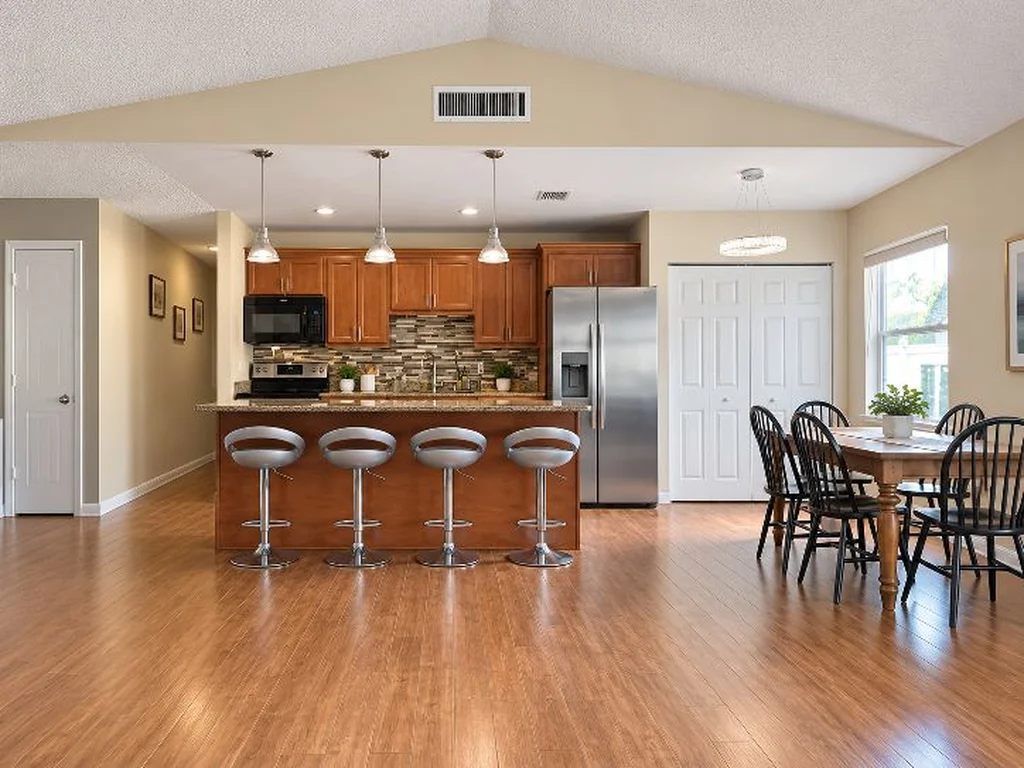
Straighten & Brighten
Correct crooked phone photos and improve lighting, color, exposure and overall presentation.
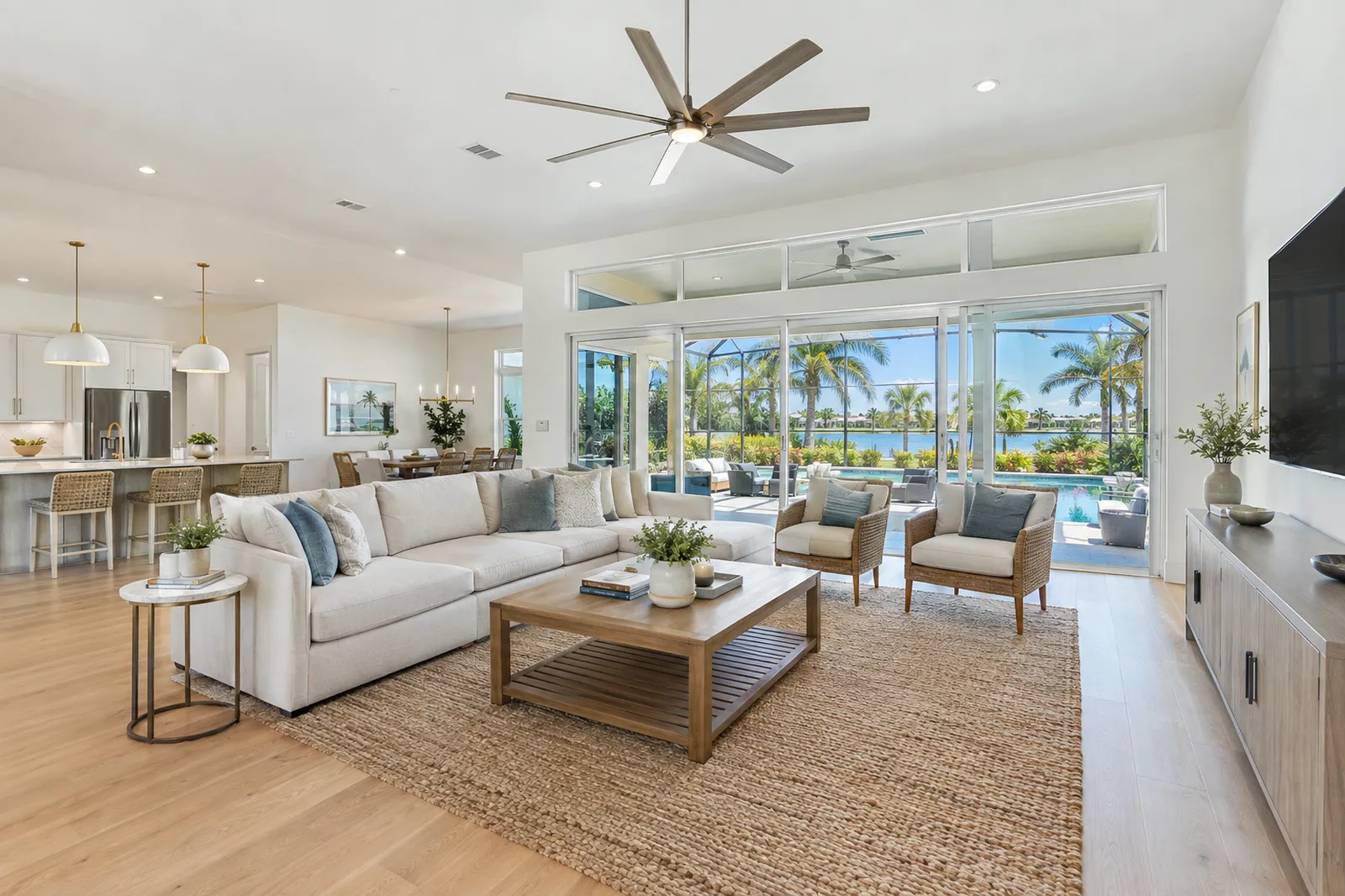
Remote editing for real estate professionals nationwide
Professional real estate photo enhancement and virtual staging that transforms ordinary phone photos into polished, listing-ready images. Send us your photos and we’ll handle the rest.
Before & after
Real edits from real phone photos. Same property, only the presentation changes.
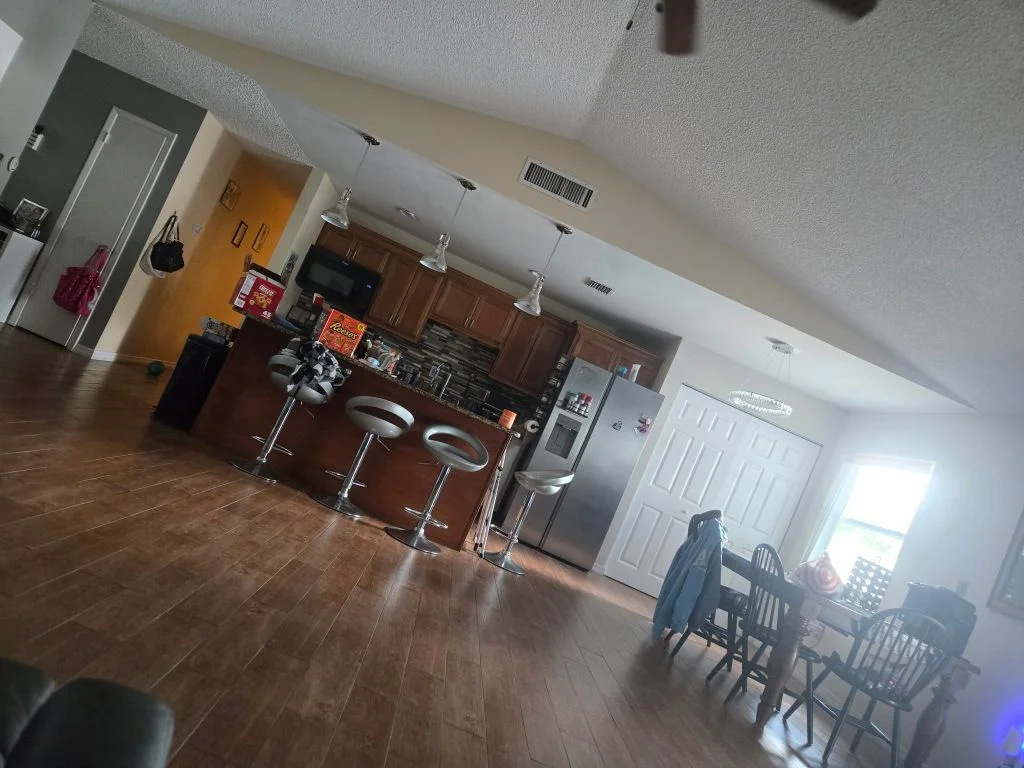
A tilted, dim phone photo straightened, brightened and cleaned up.
Services
For Realtors, property managers, investors, homeowners, builders and other real estate professionals anywhere in the United States.
Correct crooked phone photos and improve lighting, color, exposure and overall presentation.
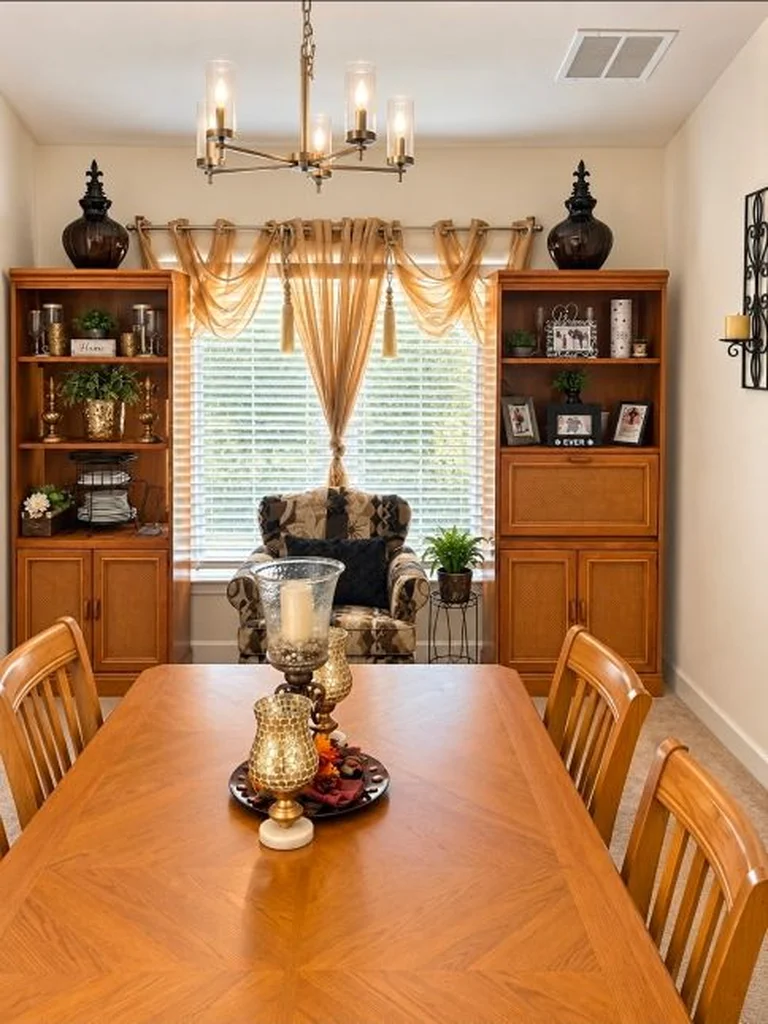
Remove distracting temporary items, clutter, garbage cans, personal belongings and other removable objects when appropriate.
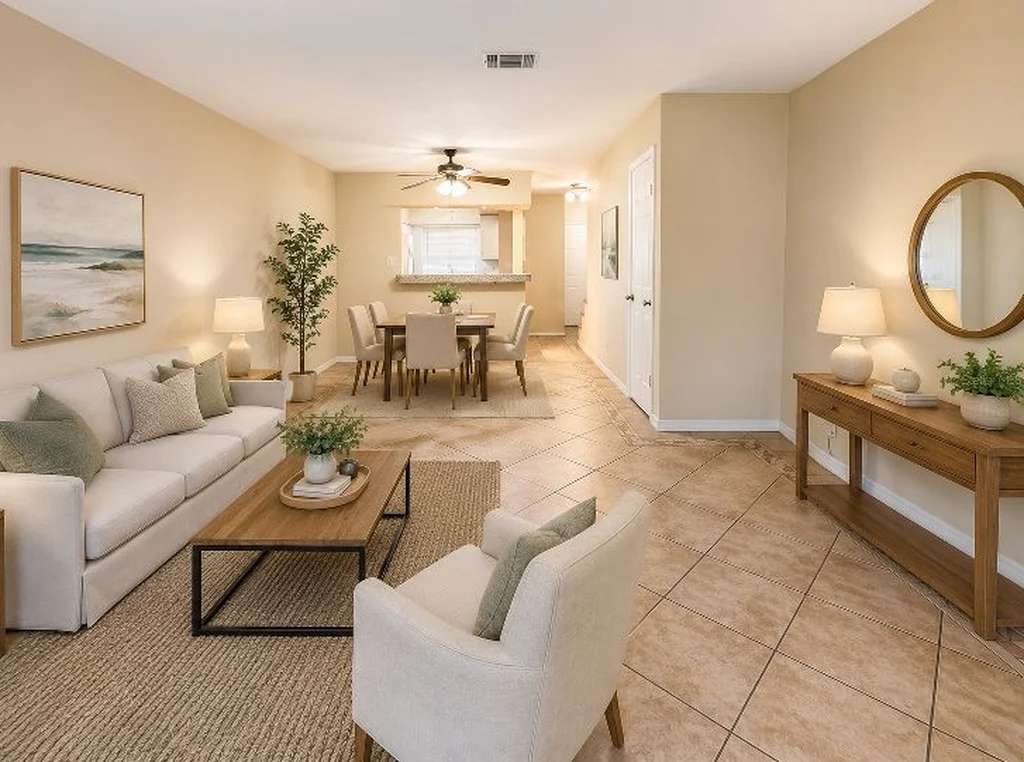
Add realistic furniture and décor to vacant rooms to help buyers visualize the space. Modern, coastal, contemporary, traditional and other styles.
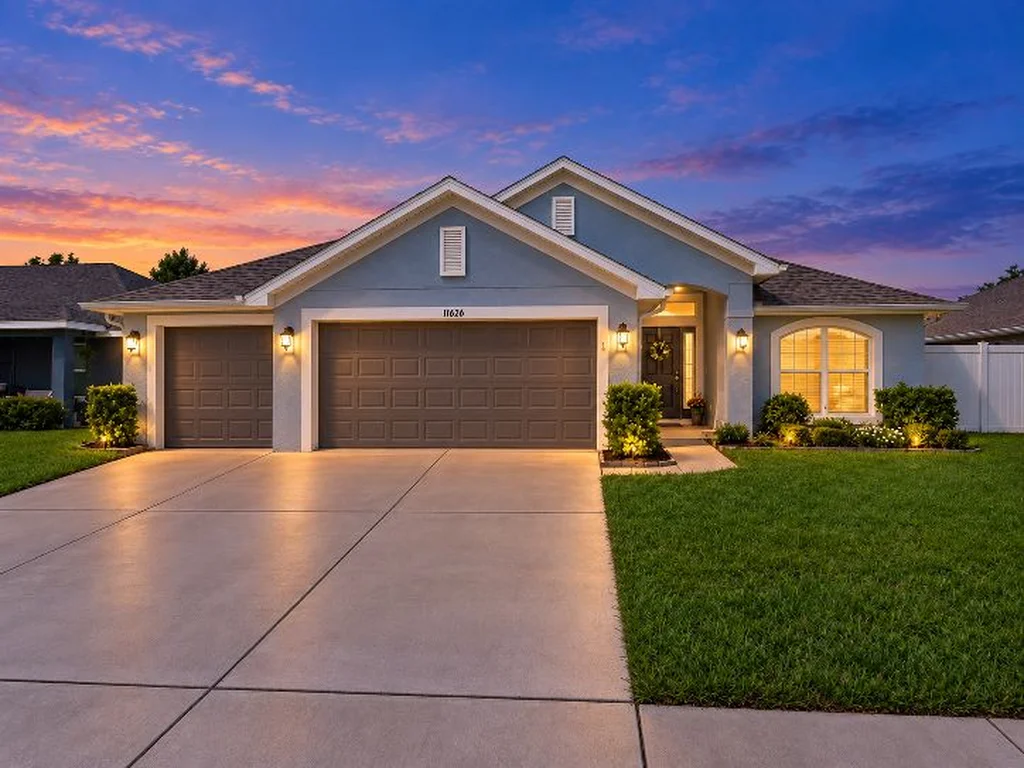
Transform an appropriate daytime exterior property photo into an attractive twilight presentation.
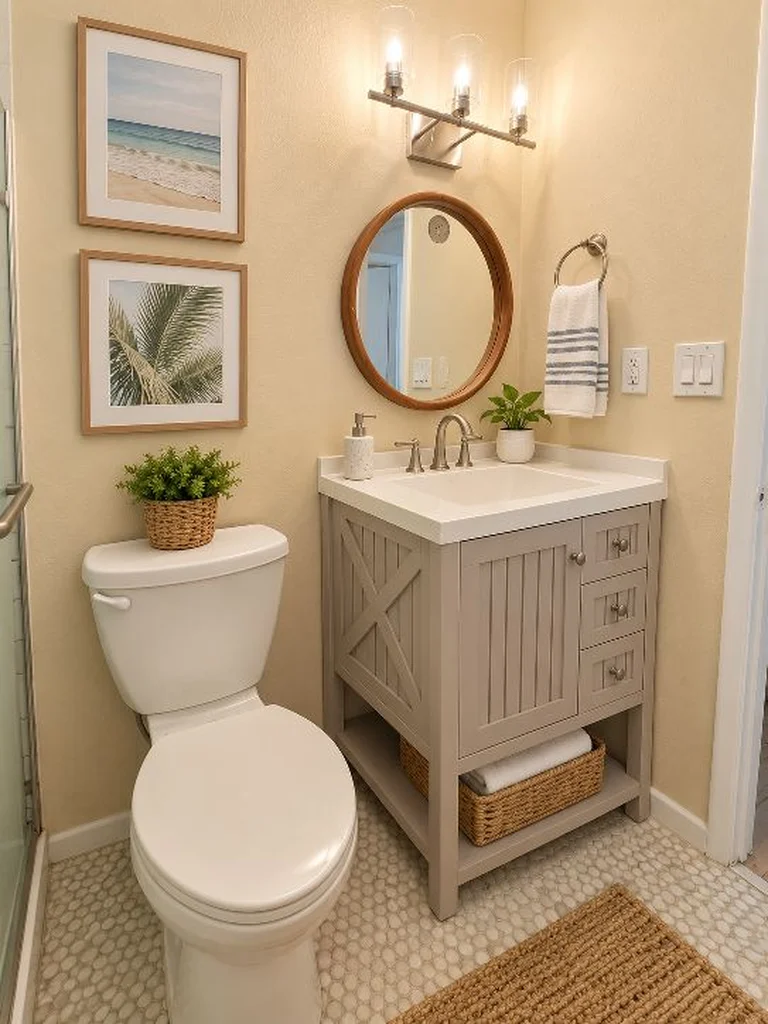
Improve brightness, color balance, perspective and overall presentation of the property photos you provide.
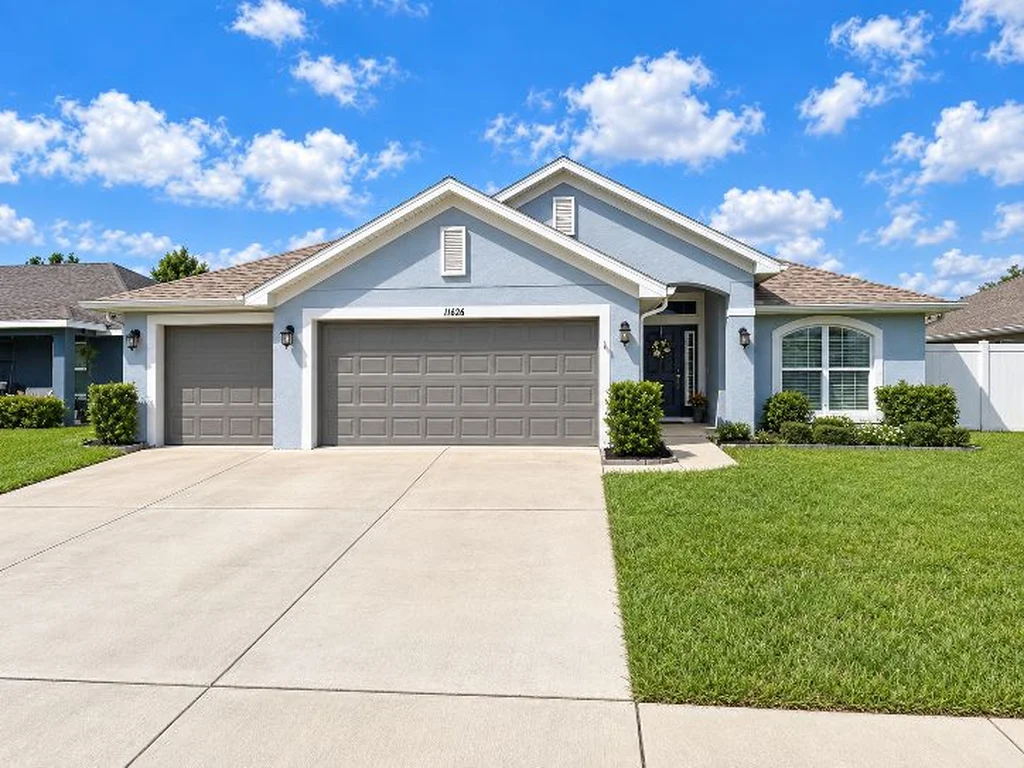
Remove appropriate temporary or distracting objects while maintaining an accurate representation of the property.
Pricing
One price per listing. No subscriptions, no memberships.
$15
Transform one exterior property photo into a beautiful dusk or dawn image. Give your listing an eye-catching twilight appearance without scheduling an evening photography session.
This edit includes:
$85
Professional editing and enhancement of up to 20 client-submitted photos.
Editing may include:
Includes twilight
$115
Professional editing and enhancement of up to 30 client-submitted photos.
Editing may include:
Custom quote
Large homes, multi-unit properties and builders
Have more than 30 photos? Contact us for a custom quote. Upload your photos with your request, or call/text (480) 221-8787.
Request a Quote“Up to 20 photos” and “up to 30 photos” refer to the total number of submitted photographs being edited. Virtual staging is limited to up to 5 staged photos with the $85 package and up to 8 staged photos with the $115 package. The Single Twilight Photo Edit covers one exterior photograph.
Additional virtual staging, extensive object removal, unusually complex edits or special requests may require an additional fee or custom quote. A single $15 twilight edit may be added to the 20-photo package; the 30-photo package already includes one twilight conversion.
Turnaround time is typically next business day after receiving your order. Larger orders, virtual staging and more complex editing requests may require additional time.
Prices, package inclusions and services are subject to change.
How it works
Upload your property photos through our secure upload form, or contact CNC Property Pics at (480) 221-8787 for alternate delivery options.
Select the type of editing you want and provide any special instructions.
CNC Property Pics professionally enhances your photographs for a polished, listing-ready presentation.
Once payment requirements are satisfied, the completed high-resolution edited images are provided for download.
Turnaround time is typically next business day after receiving your order. Questions? Call / Text (480) 221-8787
Quick guide
A few simple habits for homeowners and Realtors shooting with a phone.
You don’t need to be a photographer. Do the best you can and we’ll take it from there. Crooked angles, lighting issues, clutter and empty rooms are exactly what CNC Property Pics is here to help with.
Send photos for editing
Upload your photos, choose your edits and tell us anything we should know. Payment is required before final edited high-resolution photographs are released for download unless other arrangements have been approved by CNC Property Pics.
Questions? Call / Text (480) 221-8787
IMPORTANT: Please do not close this page, refresh, or switch apps until all your photos have finished uploading and your order confirmation number appears. Your order is not confirmed until you receive an order number.
Thank you for choosing CNC Property Pics!
FAQ
No. CNC Property Pics is a remote photo editing and virtual staging service. You send us the photos you already have, and we edit them.
Anywhere in the United States. All editing is done remotely, so it doesn’t matter where the property is.
Yes. We work with phone and camera photos. Original full-resolution files give the best results. See our quick photo tips.
No. We focus on presentation — lighting, color, straightening, virtual furniture and removing temporary clutter. If you have questions about a specific edit, just ask and we’ll be glad to talk it through.
Often, yes. Many MLSs and advertising platforms require virtually staged photos to be labeled. You’re responsible for following your MLS, brokerage and advertising rules.
Turnaround time is typically next business day after receiving your order. Larger orders, virtual staging and more complex editing requests may require additional time.
Payment is required before final edited high-resolution photographs are released for download unless other arrangements have been approved by CNC Property Pics.
If an edit does not match the original instructions submitted with your order, CNC Property Pics will provide one complimentary revision to correct the issue. Requests that change the original instructions, request a different virtual staging design or style after the original request was completed correctly, or add new editing work may result in an additional charge. Please contact us as soon as possible after receiving your completed images if a correction is needed.
Have more than 30 photos? Contact us for a custom quote. Choose “More than 30 photos” when you submit your order, call/text (480) 221-8787, or email us, and we’ll send you a custom quote.